• Career
  • Contact us
  • Support & Downloads
Home
/
Digital workplace
/
Printing devices discontinued
/
bizhub C227

Business Areas

Digital WorkplaceProfessional PrintingHealthcareTextile Printing Services

Corporate Information

CareerAbout usNewsWhistleblower HotlineSustainabilityWhere to buy

Global Information

Corporate InformationCompany OverviewBusiness UnitsSustainabilityInvestor RelationsTechnology

Konica Minolta Business Solutions Europe GmbH

Terms of Use|

Privacy Policy|

Imprint|

©2026 Konica Minolta Business Solutions Europe GmbH

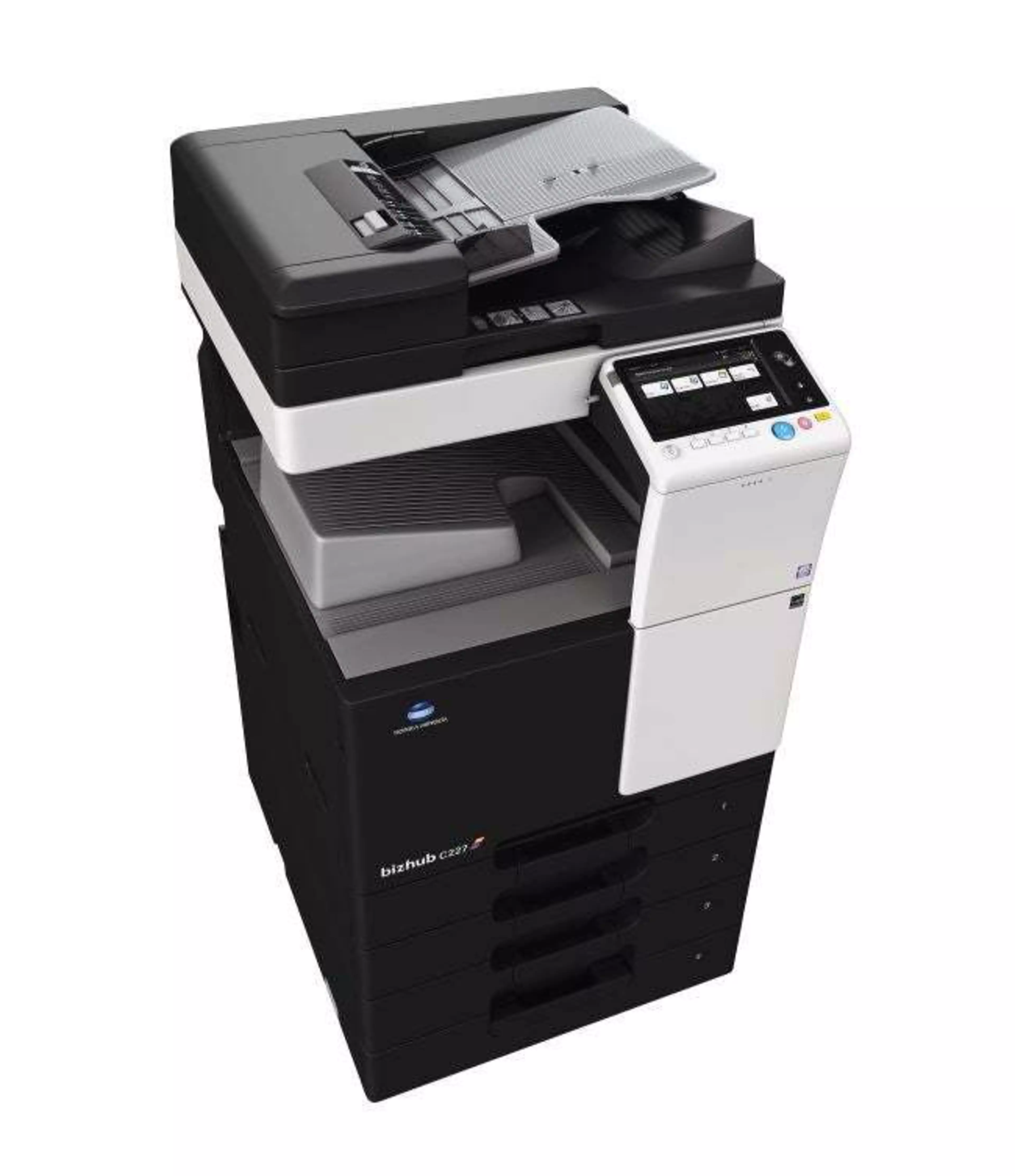
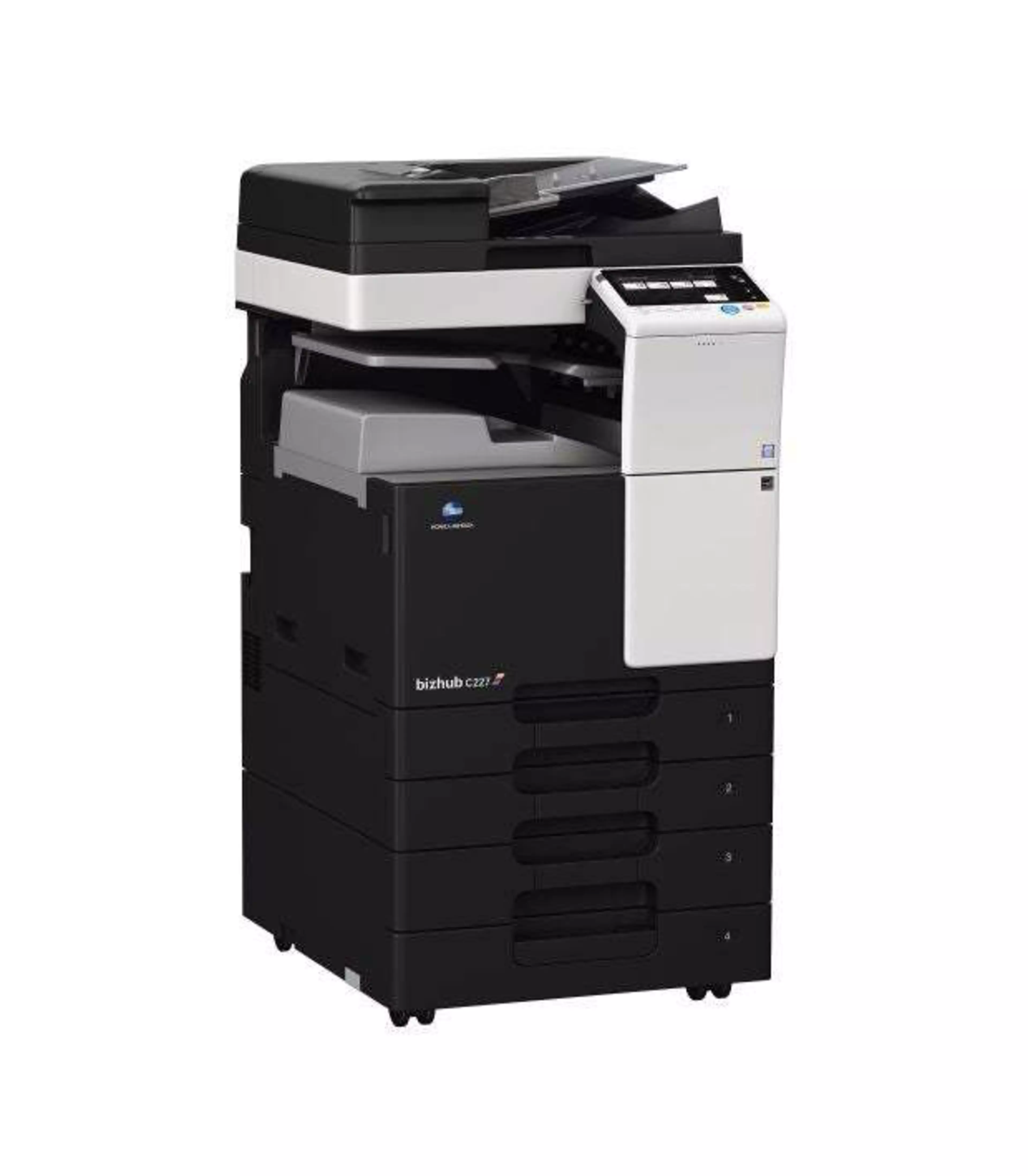
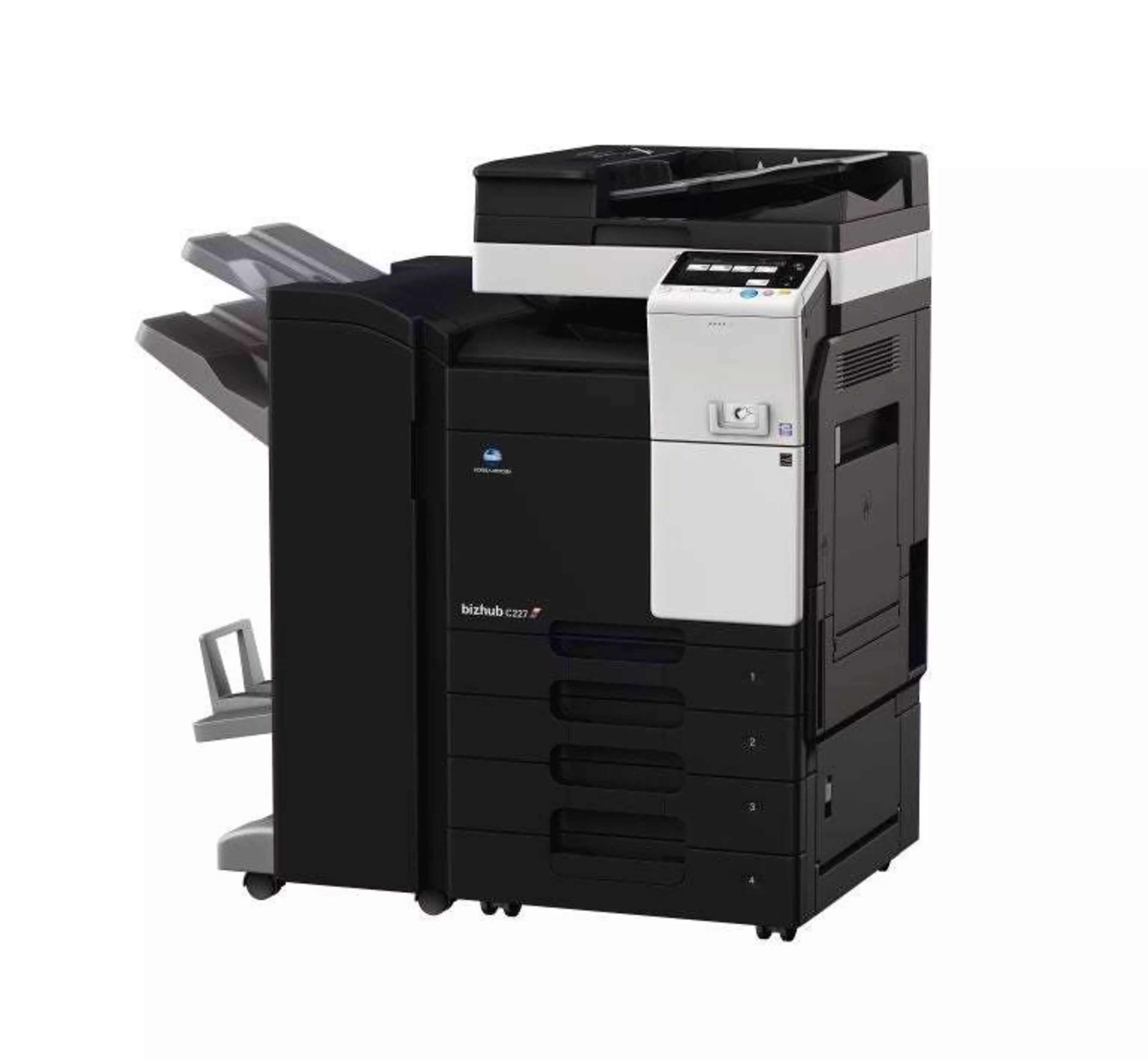
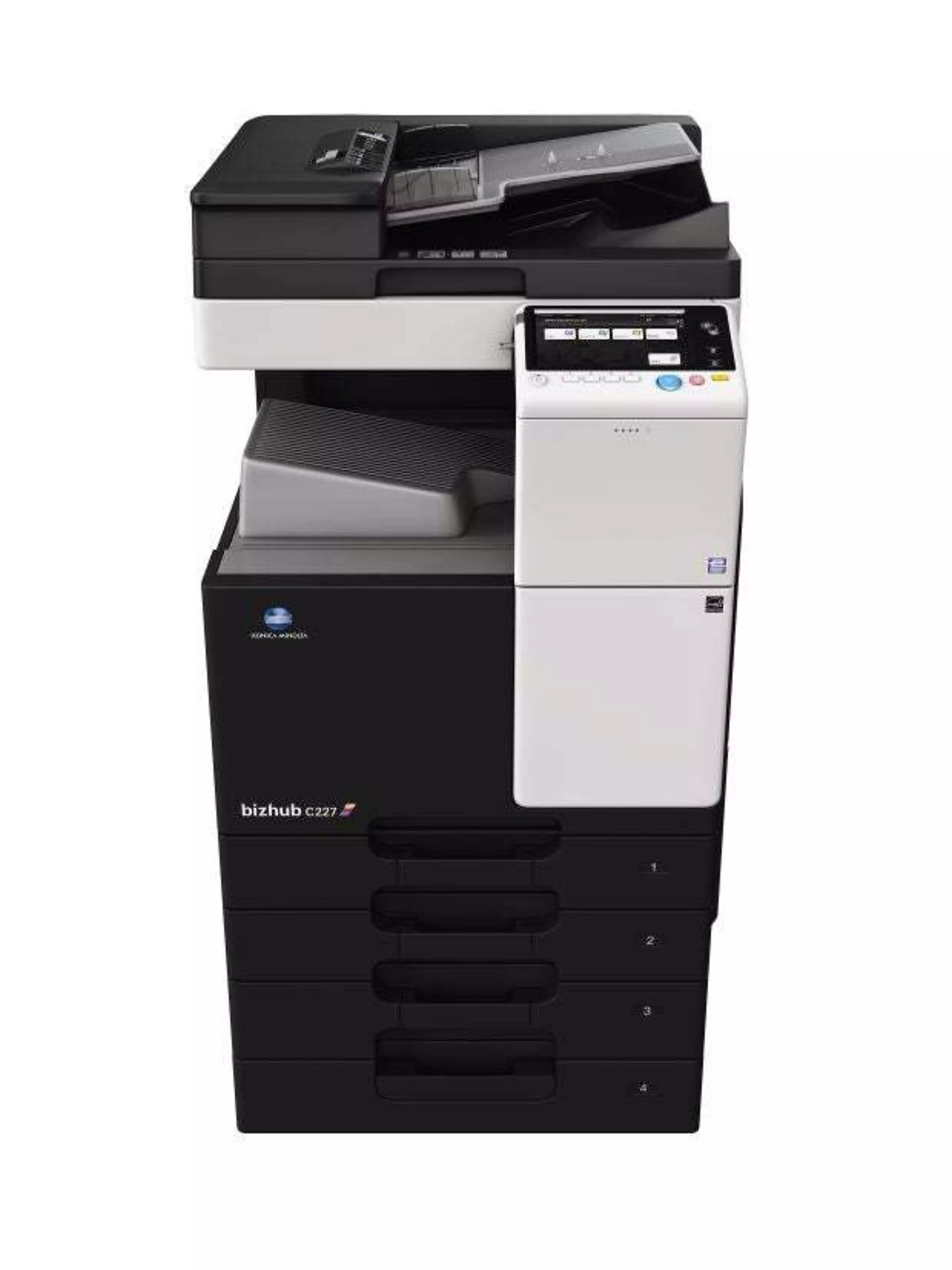
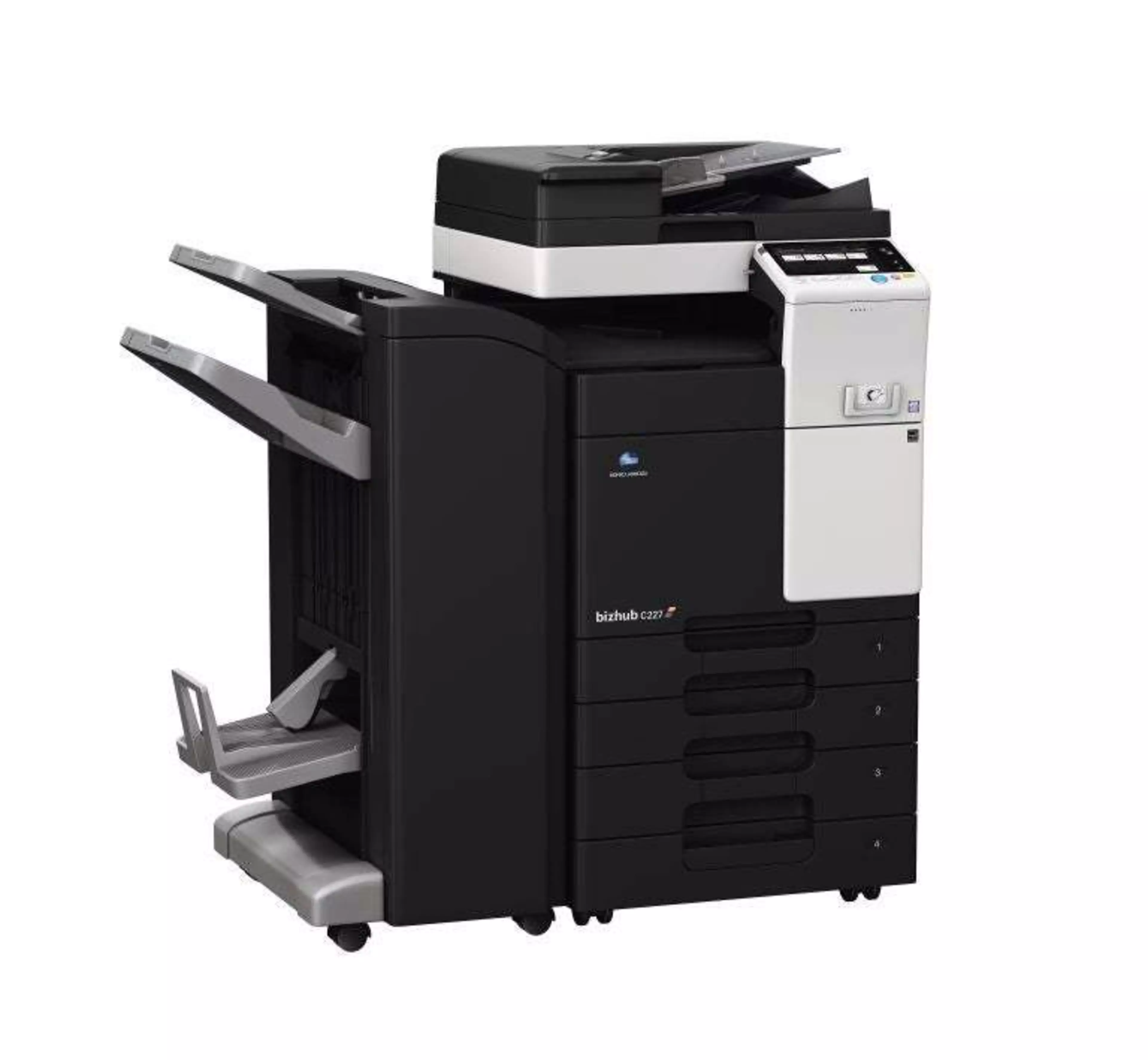
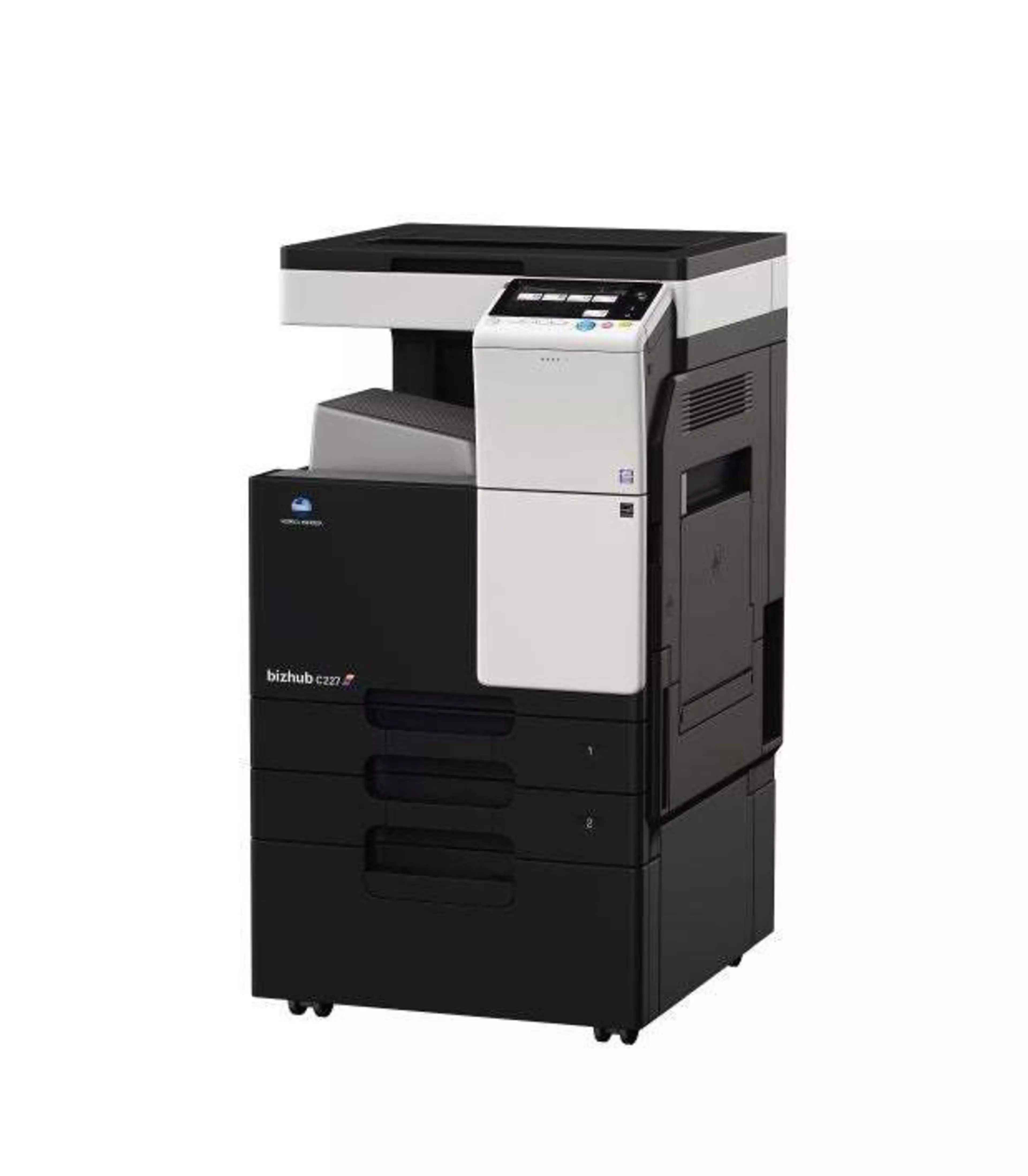
Konica Minolta bizhub c227 office printer

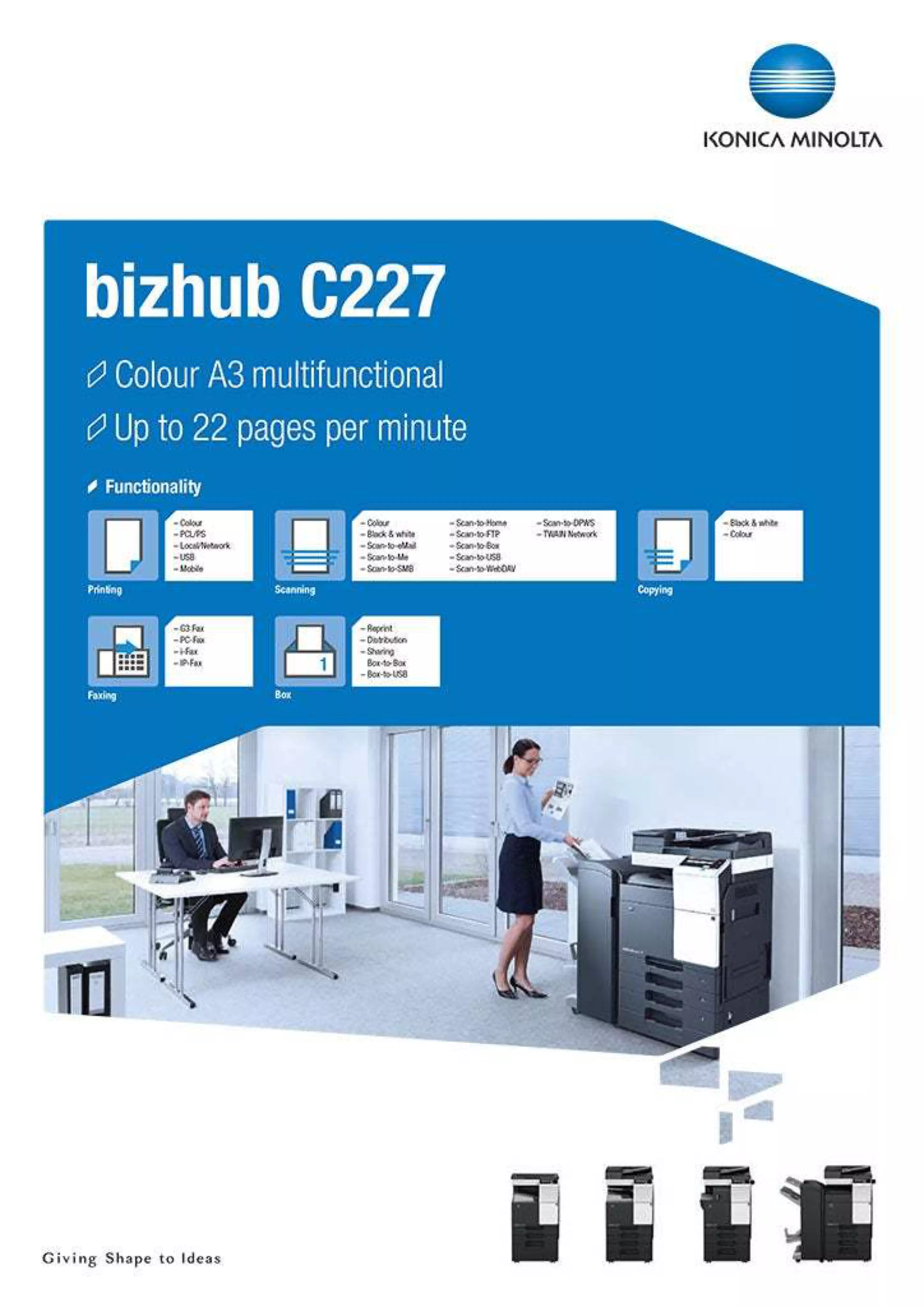
bizhub C227

  • Speed A4/A3: 22/14 ppm in black & white and colour
  • Paper formats: A6-A3 and custom formats
  • Cost effective A3 colour model
  • State-of-the-art mobile printing technology
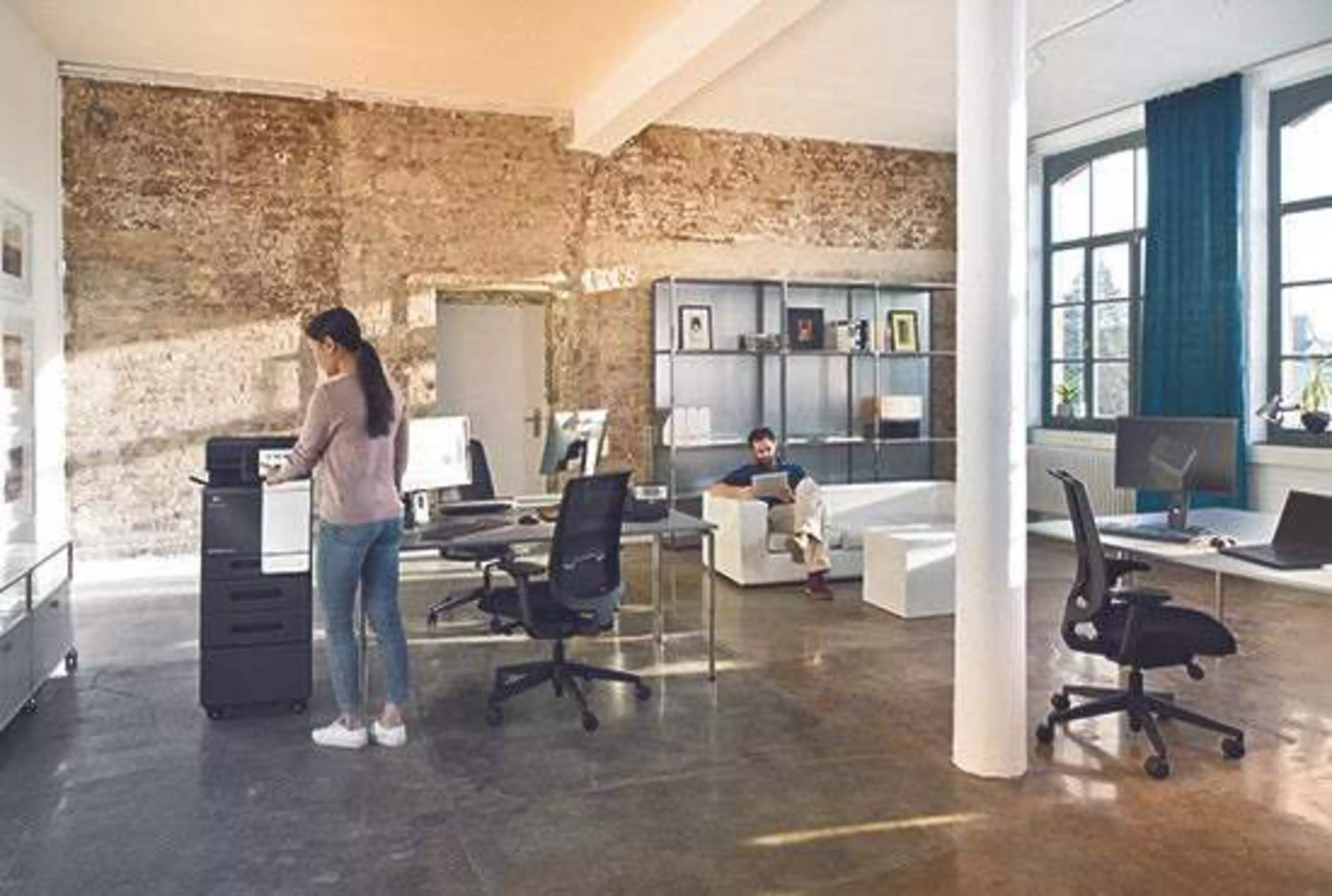
  • Perfect for the small office environment
Get in Touch
Share:

Jump to:

  • Solutions
  • Functionalities
  • Services
  • Features
  • Specifications & Downloads

Solutions

Printer Device Security

Printer Device Security

Multi-location printing

Multi-location printing

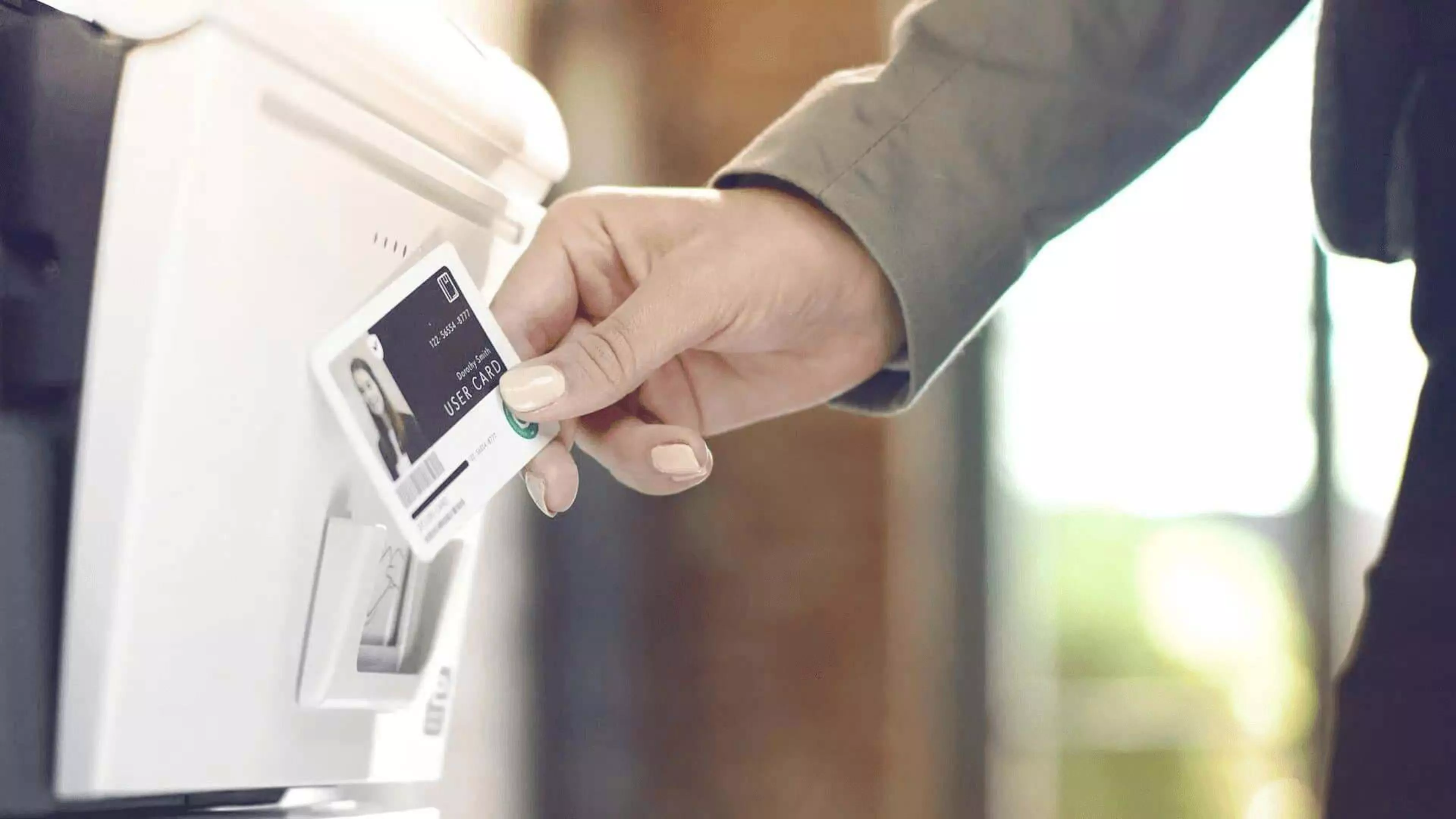
Secure Printing

Secure Printing

User and Cost Management

User and Cost Management

Functionalities

Carbon Copy print

Single page printing from multiple trays

Direct print

Driverless printing of PDF, XPS, DOCX, XLSX, PPTX, JPEG, TIFF, PS and PCL

Mobile Printing

Possibility to directly print documents from a mobile device

MyTab

Print driver customisation

Smart job queue

Unprintable jobs e.g. because of unavailable paper size (copy, print and fax) are bypassed by consecutive jobs

Toner save mode

Helps save toner by reducing toner consumption e.g. for draft prints
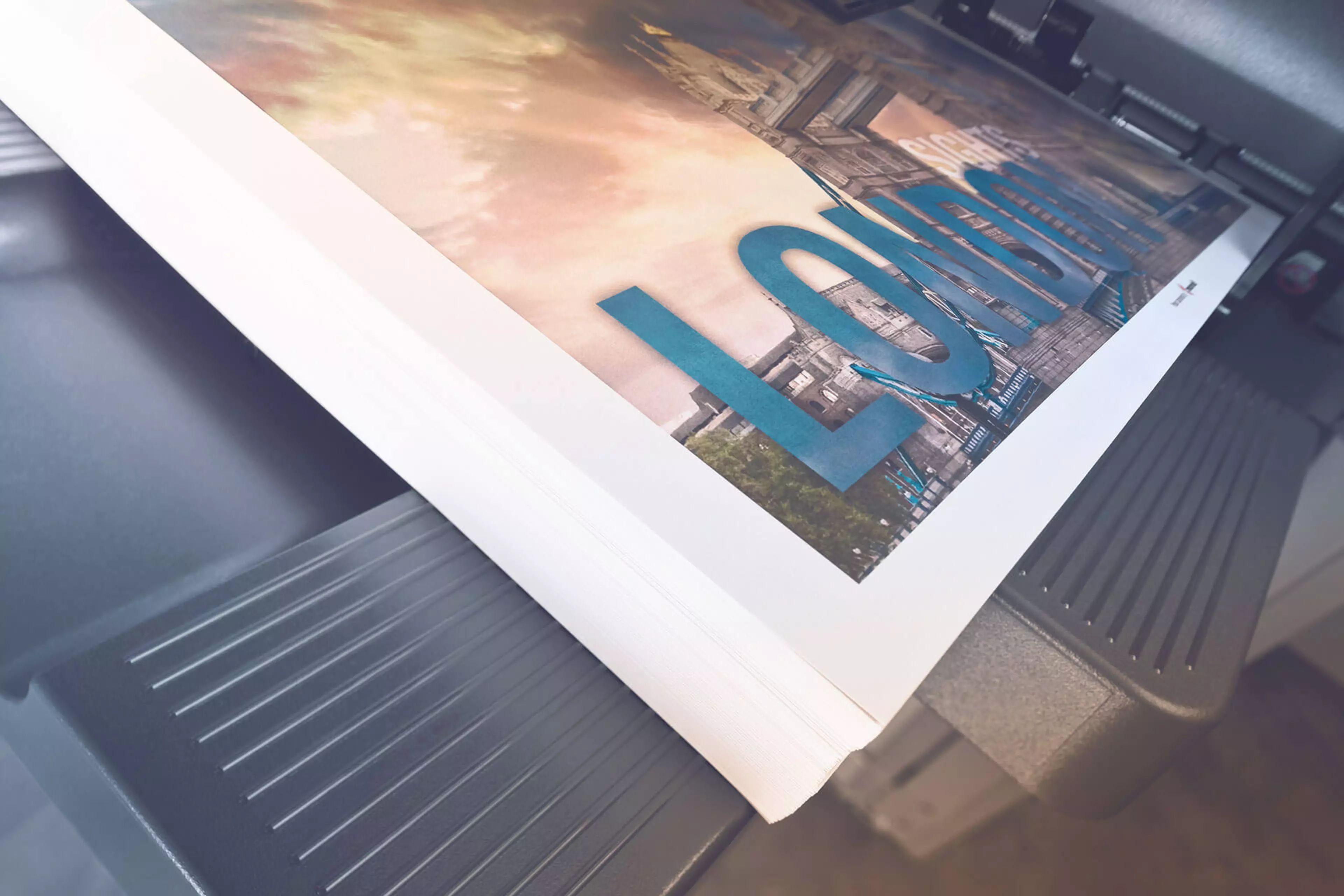
Blank page removal

Automatic deletion of blank pages e.g. when copying mixed simplex and duplex documents

Card shot

Prints copies of the front and back of the original on the same page, e.g. for passport and other ID

Custom function bar

Up to 2 x 7 copy functions can be freely selected for the main copy screen

Job preview

Illustrates selected copy functions on screen
Blank page removal

Automatic deletion of blank pages e.g. when scanning mixed simplex and duplex documents

Scan annotation

Stamping of e.g. date/time, filing number or custom text on scans for archiving purposes

Scan preview

Provides a real-time preview of scanned originals for checking before sending

Scan programs

Pre-setting of original, scan file and destination for regular scan jobs

Scan-to-Me/Home

Direct scan to own email address (Me) or SMB folder (Home) based on Active Directory information
Auto deletion

Automatic deletion of files stored in a user box after a predefined period

Box function

Storing of print, copy, scan and fax jobs for recall to send and print - for frequently printed documents like brochures, forms, pricelists etc.

Online access

User box file access via web browser or box operator utility

Personal, Group and Public

User access definition for different boxes

Sharing

Copying of documents from user box to user box

Fax forwarding

Forwarding of incoming fax documents by email or to SMB folder instead of printing

IP-Fax

Sending of fax messages via network between Konica Minolta MFPs; supports colour as well as black & white

PC-Fax

Direct fax transmission from the PC

Shared address book

The MFP-internal address book can be shared with the PC fax client

Tray selection

Choice of input tray / print media and output tray for easy visibility of incoming faxes

Dynamic eco timer

Automatic analysis of working hours and adjustment of sleep mode timing

ECO meter

Counter for ECO related items e.g. power consumption

ECO print

Touch screen panel does not light up for printing out of sleep mode

ECO scan

Scanning of documents without warm-up of the print engine

Weekly timer

Sleep mode timer setting on day and date basis

Access rights

Function access rights can be granted on user level (up to 1,000 accounts on MFP)

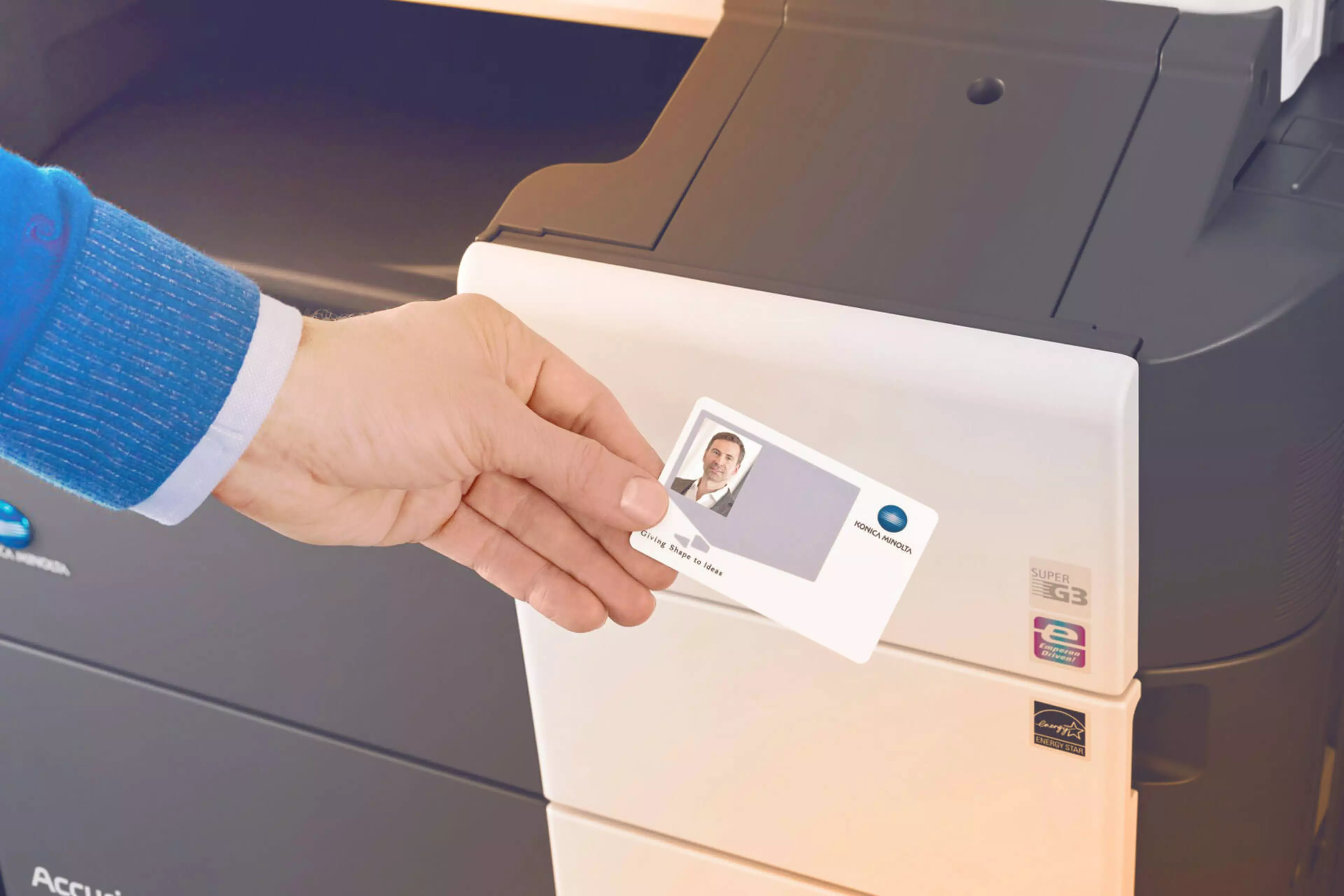
Authentication

User access by password, user name + password, ID card or finger vein scanner

Data encryption

Encryption of data stored on hard disk and password protection for hard disk access

Temporary data deletion

Copy, print, scan and fax job data are automatically deleted after job completion
Services

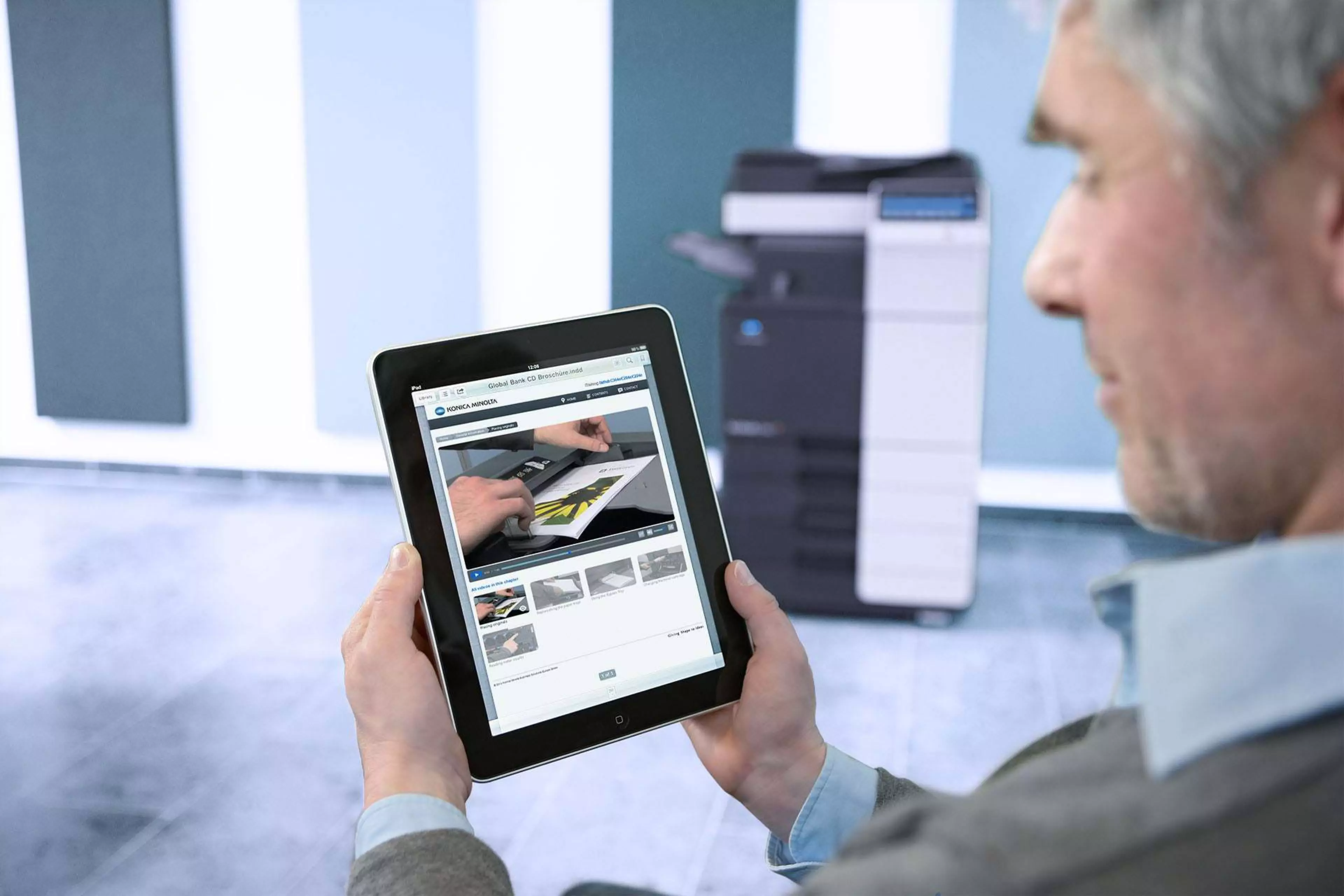
iTraining - get to know and use your bizhub device quickly and efficiently

iTraining - get to know and use your bizhub device quickly and efficiently

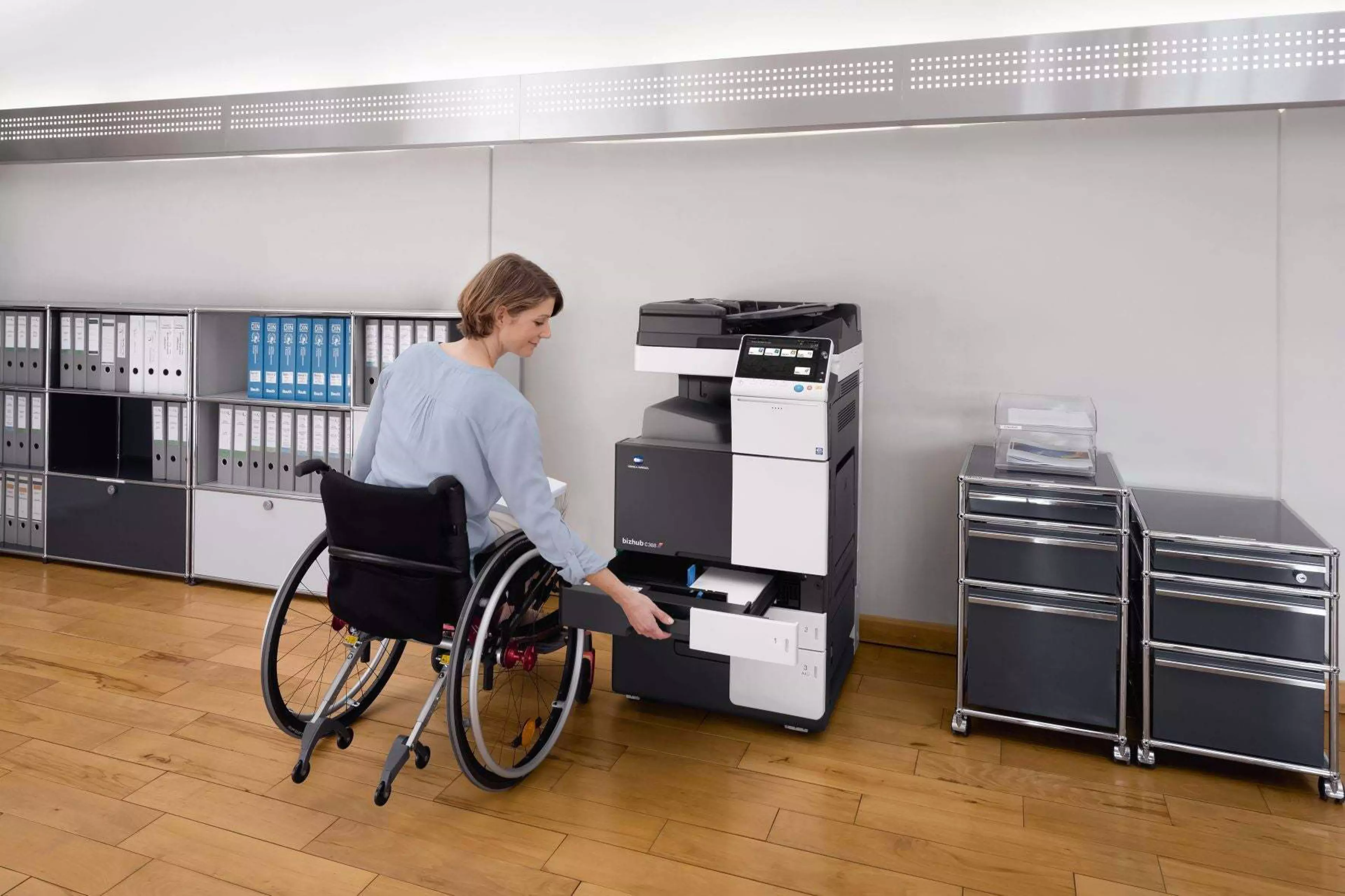
Universal Design & Accessibility

Universal Design & Accessibility

Features

bizhub C227

These are the Key Features of the bizhub c227
FeaturesImage

Green technology

Save costs and support the environment with new green technologies that lower power consumption and reduce environmental impact.

Mobile technologies

Smartphone authentication and connection thanks to latest embedded mobile technologies

Multi-touch panel

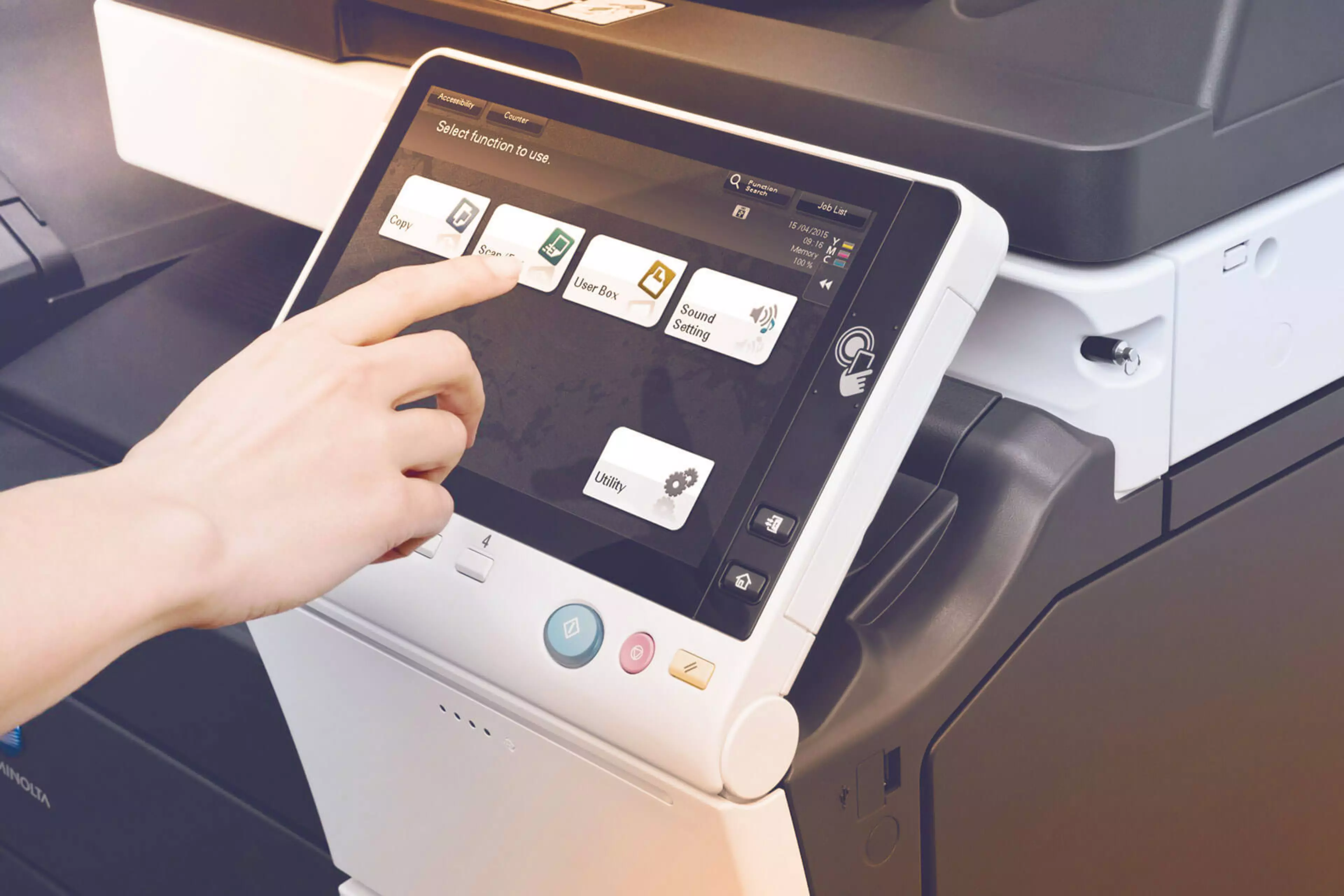
More joy to work with, thanks to the new 7 inch multi-touch colour display with similar usability as today's smartphones and tablets

Panel customization

Easily adapt the MFP panel and printer driver interface to your individual needs and thus enhance your efficiency in preparing small and more complex copy, print, scan and fax jobs 

Versatile finishing

Improved office productivity with our choice of finishing options including stapling, punching, letterfolding of up to 3 sheets per letter and booklets of up to 20 sheets (80 pages)
  • System speed A4
    Up to 22/22 ppm (mono/colour)
    System speed A3
    Up to 14/14 ppm (mono/colour)
    Autoduplex speed A4
    Up to 22 ppm
    1st page out time A4
    6.8/8.4 sec. 0
    Warm-up time
    Approx. 20 sec.¹
    Imaging technology
    Laser
    Toner technology
    Simitri® HD polymerised toner
    Panel size/resolution
    7" / 800 x 480
    System memory
    2,048 MB / 4,096 MB (standard/max)
    System hard drive
    250 GB (standard)
    Interface
    10/100/1,000-Base-T Ethernet; USB 2.0; Wi-Fi 802.11 b/g/n/ac (optional)
    Network protocols
    TCP/IP (IPv4 / IPv6); SMB; LPD; IPP; SNMP; HTTP
    Automatic document feeder (optional)
    Up to 100 originals; A6-A3; 35-128 g/m²; RADF
    Printable paper size
    A6-A3; banner paper max. 1,200 x 297 mm
    Printable paper weight
    60-256 g/m²
    Paper input capacity
    1,100 sheets / 3,600 sheets (standard/max)
    Paper tray input (standard)
    1x 500; A5-A4; 60-256 g/m²
    1x 500; A5-A3; 60-256 g/m²
    Paper tray input (optional)
    1x 500 sheets; A5-A3; 60-256 g/m²
    2x 500 sheets; A5-A3; 60-256 g/m²
    1x 2,500 sheets; A4; 60-256 g/m²
    Manual bypass
    100 pages; A6-A3; custom sizes; banner; 60-256 g/m²
    Finishing modes (optional)
    Offset; Group; Sort; Staple; Punch; Half-fold; Letter-fold; Booklet
    Automatic duplexing
    A5-A3; 60-256 g/m²
    Output capacity
    Up to 250 sheets / up to 3,300 sheets (standard/max)
    Stapling output capacity
    Max. 100 sets
    Stapling
    Max. 50 sheets or 48 sheets + 2 cover sheets (up to 209 g/m²)
    Letter fold
    Max. 3 sheets
    Letter fold capacity
    Max. 30 sets; unlimited (without tray)
    Booklet
    Max. 20 pages or 19 pages + 1 cover sheets (up to 209 g/m²)
    Booklet output capacity
    Max. 20 0; unlimited (without tray)
    Duty cycle (monthly)
    Rec. 10,000 pages; Max.² 19,000 pages
    Toner lifetime
    Black up to 24,000 pages
    CMY up to 21,000 pages
    Imaging unit lifetime
    Black up to 80,000/600,000 pages (drum/developer)
    CMY up to 70,000 pages (imaging unit)
    Power consumption
    220-240 V / 50/60 Hz; Less than 1.60 kW
    System dimension (W x D x H)
    585 x 660 x 787 mm (without options)
    System weight
    Approx. 72.0 kg (without options)
    Print resolution
    1,800 (equivalent) x 600 dpi
    Page description language
    PCL 6 (XL3.0); PCL 5c; PostScript 3 (CPSI 3016); XPS
    Operating systems
    Windows 7 (32/64); Windows 8.1 (32/64); Windows 10 (32/64); Windows Server 2008 (32/64); Windows Server 2008 R2; Windows Server 2012; Windows Server 2012 R2; Windows Server 2016; Windows Server 2019; macOS 10.10 or later; Unix; Linux; Citrix
    Printer fonts
    80 PCL Latin; 137 PostScript 3 Emulation Latin
    Mobile printing
    AirPrint (iOS); Mopria (Android); Konica Minolta Print Service (Android); Konica Minolta Mobile Print (iOS/Android)
    optional: Google Cloud Print; WiFi Direct
    Scan speed
    Up to 45/45 ipm in simplex (mono/colour)
    Scan resolution
    Up to 600 x 600 dpi
    Scan modes
    Scan-to-eMail (Scan-to-Me); Scan-to-SMB (Scan-to-Home); Scan-to-FTP; Scan-to-Box; Scan-to-USB; Scan-to-WebDAV; Scan-to-DPWS; TWAIN scan
    File formats
    JPEG; TIFF; PDF; Compact PDF; Encrypted PDF; XPS; Compact XPS; PPTX
    optional: Searchable PDF; PDF/A 1a and 1b; Searchable DOCX/PPTX/XLSX
    Scan destinations
    2,000 destinations + 100 groups; LDAP support
    Copy resolution
    600 x 600 dpi
    Gradation
    256 gradations
    Multicopy
    1-9,999
    Original format
    Max. A3
    Magnification
    25-400% steps 0.1% steps; Auto-zooming
    Fax standard
    Super G3 (optional)
    Fax transmission
    Analogue; i-Fax; Colour i-Fax; IP-Fax
    Fax resolution
    Up to 600 x 600 dpi
    Fax compression
    MH; MR; MMR; JBIG
    Fax modem
    Up to 33.6 Kbps
    Fax destinations
    2,000 single + 100 groups
    Storable documents
    up to 3,000 documents or 10,000 pages
    Type of user boxes
    Public; Personal (with password or authentication); Group (with authentication)
    Type of system boxes
    Secure print; Encrypted PDF print; Fax receipt; Fax polling
    Security
    ISO15408 Common Criteria; IP filtering and port blocking; SSL2; SSL3 and TLS1.1/1.2/1.3 network communication; IPsec support; IEEE 802.1x support; User authentication; Authentication log; Secure print; Kerberos; Hard drive overwrite (8 standard types); Hard drive data encryption (AES 256); Memory data auto deletion; Confidential fax; Print user data encryption
    optional:
    Accounting
    Up to 1,000 user accounts; Active Directory support (user name + password + e-mail + smb folder); User function access definition; Authentication by mobile device (Android)
    optional: Biometric authentication (finger vein scanner); ID card authentication (ID card reader); Authentication by mobile device (iOS)
    Software
    Net Care Device Manager; Data Administrator; Box Operator; Web Connection; Print Status Notifier; Driver Packaging Utility; Log Management Utility

Interested to see all features and options and build your very own bizhub C227?

Click here to configure your device
Interested to see all features and options and build your very own bizhub C227?

Use the online manual for troubleshooting and to learn more about your device

bizhub C227 online manual
Use the online manual for troubleshooting and to learn more about your device

Get the product brochure now to have all information at hand.

bizhub C227 brochure
Get the product brochure now to have all information at hand.

Print from anywhere, anytime:

Apple Airprint logoGoogle Cloud Print Iconmopria logoWIFI Access Point IconMobile Printing Web Icon

Related Hardware

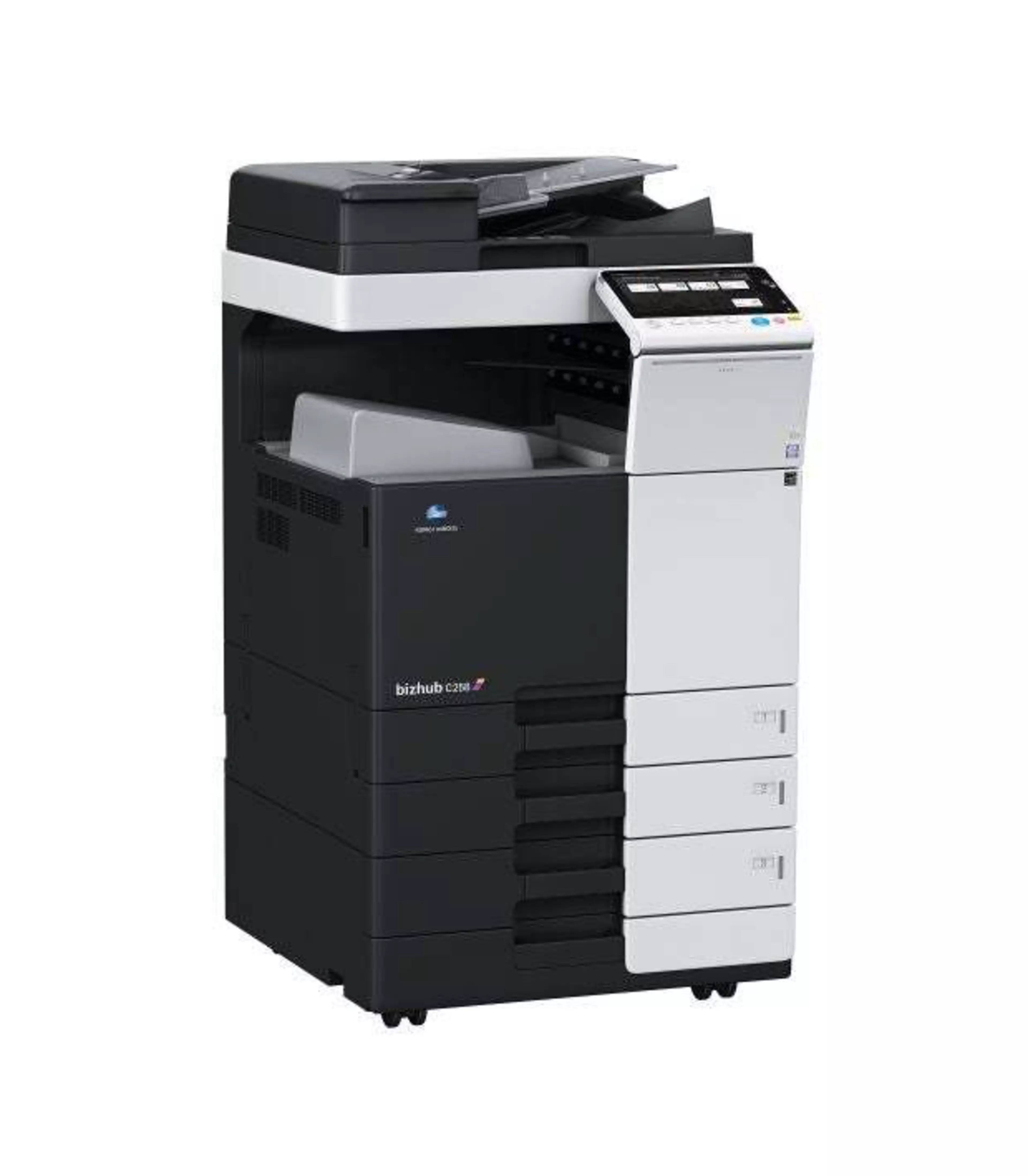
bizhub C258

bizhub C258

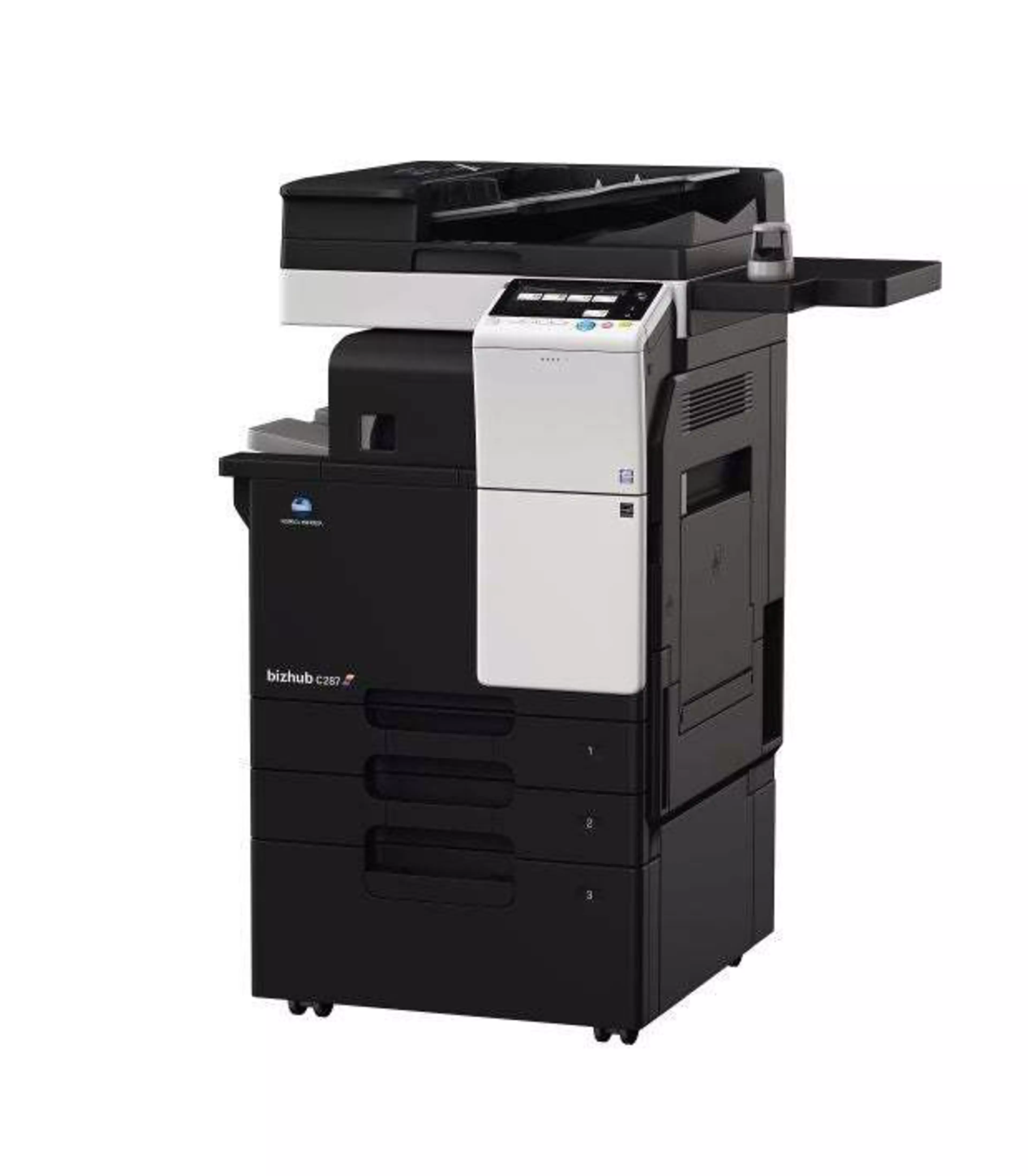
bizhub C287

bizhub C287

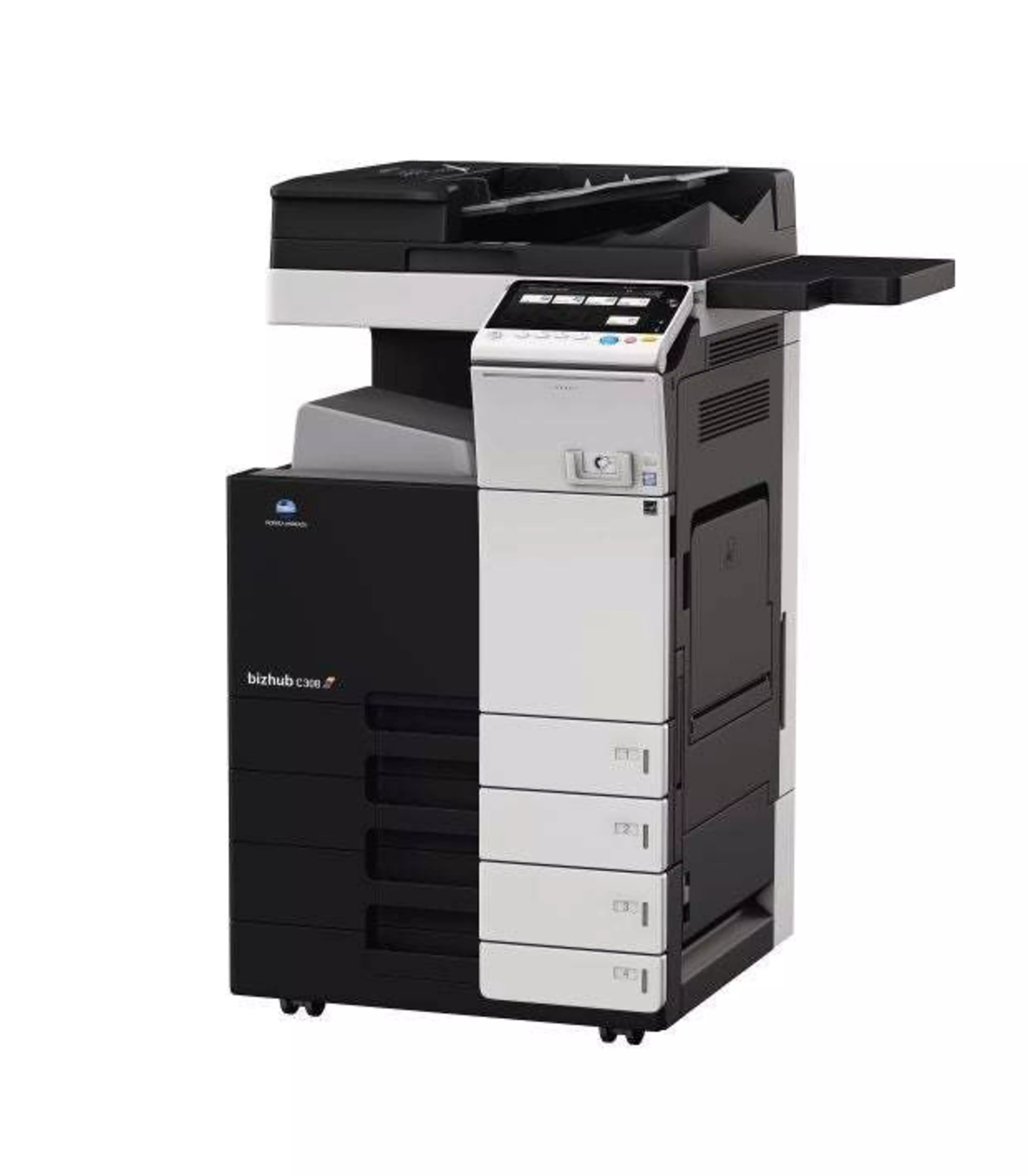
bizhub C308

bizhub C308